
10 Best AI Tools for Small Business Owners in 2026 (Free & Paid)
Small businesses that use AI well in 2026 aren't working harder than their competitors — they're working with a smaller payroll and faster turnaround on everything.
The problem isn't finding AI tools anymore. It's the opposite: there are thousands, most are overhyped, and a small business owner doesn't have time to test them all.
This guide cuts the list down to the 10 tools that consistently deliver value for small businesses — what each one actually does, what it costs, and which type of business it fits best.
The best AI tools for small businesses in 2026 are ChatGPT (writing & general assistant), Claude (documents & analysis), Canva (design), Zapier or Make (automation), QuickBooks AI features (bookkeeping), Gemini in Google Workspace (email & docs), Notion AI (organization), Grammarly (proofreading), Buffer (social media), and a website chatbot builder. Most offer free tiers — start free and upgrade only what you use daily.

Table of Contents
- How We Chose These Tools
- The 10 Best AI Tools Compared (Table)
- Detailed Reviews: Tools 1–10
- Which Tools Should You Start With?
- How Much Should a Small Business Spend on AI?
- Common Mistakes When Adopting AI Tools
- Frequently Asked Questions
How We Chose These Tools
Every tool on this list meets four criteria: it solves a real, recurring small-business problem (not a novelty); it's usable by non-technical owners; it has a free tier or low entry price; and it's established enough that it won't disappear next quarter.
We deliberately skipped niche enterprise software. This list is for the owner wearing five hats — not for companies with an IT department.
The 10 Best AI Tools Compared
| Tool | Best For | Free Tier | Paid From |
|---|---|---|---|
| ChatGPT | Writing, ideas, all-purpose assistant | Yes | ~$20/mo |
| Claude | Contracts, reports, long documents | Yes | ~$20/mo |
| Canva | Logos, social posts, marketing visuals | Yes | ~$13/mo |
| Zapier / Make | Connecting apps, automation | Limited | ~$20/mo |
| Gemini (Workspace) | Gmail, Docs, Sheets assistance | Yes | Bundled |
| QuickBooks (AI) | Invoicing, expense tracking | Trial | ~$20/mo |
| Notion AI | Notes, SOPs, knowledge base | Yes | ~$10/mo |
| Grammarly | Error-free client communication | Yes | ~$12/mo |
| Buffer | Social media scheduling | Yes | ~$6/mo |
| Chatbot builder | 24/7 website customer questions | Varies | ~$20/mo |
Prices are approximate mid-2026 figures and change often — check each provider's official pricing page before subscribing.
Detailed Reviews
1. ChatGPT — The All-Purpose Business Assistant
What it does for you: drafts emails, product descriptions, job postings, marketing copy, business plans, and answers questions across every part of running a business.
For most owners, this is the first AI tool to adopt — it replaces the "blank page" problem everywhere. New to it? Read our full guide: What Is ChatGPT? The Ultimate Guide for Beginners.
2. Claude — Documents, Contracts & Analysis
What it does for you: reads long documents (supplier contracts, reports, policies) and answers questions about them; writes polished, professional-sounding text.
If your business involves paperwork you don't have time to read carefully, Claude pays for itself quickly. See our full comparison: ChatGPT vs Claude vs Gemini.
3. Canva — Design Without a Designer
What it does for you: creates social posts, flyers, menus, logos, and presentations from templates, with AI generating images and rewriting text inside the editor.
For a small business, this replaces hundreds of dollars in one-off design fees per month.
4. Zapier or Make — The Automation Layer
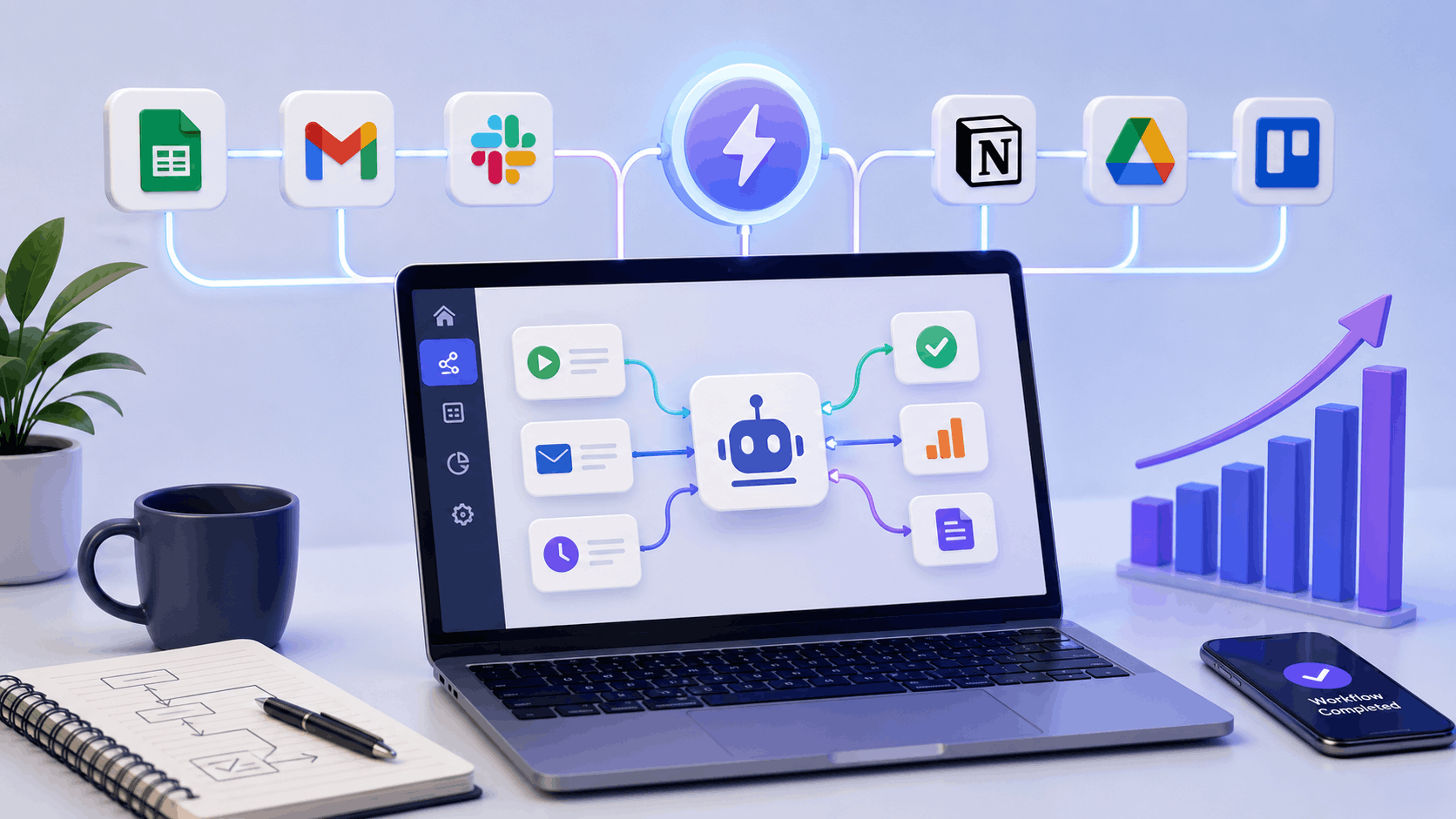
What it does for you: connects your apps so repetitive chains happen automatically — new form submission → CRM entry → welcome email → team notification, with zero manual steps.
This is the tool category with the highest ceiling: entire businesses now run on automated workflows. Deep dive here: How to Build Your First AI Employee in 2026.
5. Gemini in Google Workspace — AI Where You Already Work
What it does for you: summarizes email threads in Gmail, drafts replies, helps write Docs, and cleans up Sheets — without leaving the apps you already use daily.
If your business runs on Google Workspace, turning this on is the lowest-friction AI upgrade available.
6. QuickBooks AI Features — Bookkeeping on Autopilot
What it does for you: categorizes expenses automatically, chases unpaid invoices, forecasts cash flow, and prepares clean reports for your accountant.
Bookkeeping is the classic "important but hated" task — exactly what AI should absorb. (Alternatives like Xero or Wave offer similar AI features.)
7. Notion AI — Your Business's Memory
What it does for you: stores procedures, meeting notes, and project plans in one place, with AI that summarizes, drafts, and answers questions about your own content.
Great for the moment a business grows past what one person can hold in their head.
8. Grammarly — Professional Communication, Every Time
What it does for you: catches errors and awkward phrasing in everything you write — emails, proposals, website copy — before a client sees it.
Small businesses win or lose trust in details. This tool protects the details.
9. Buffer — Consistent Social Media Without the Daily Grind
What it does for you: schedules a week of posts in one sitting, suggests captions with AI, and publishes across platforms automatically.
Consistency beats brilliance on social media — and scheduling is how consistency happens.
10. A Website Chatbot — Your 24/7 First Responder
What it does for you: answers common customer questions (hours, pricing, availability) instantly on your website, day and night, and collects leads while you sleep.
Tools like Tidio, Chatbase, or Intercom make this a no-code setup in an afternoon.
Which Tools Should You Start With?
Direct answer: start with ChatGPT (free) + Canva (free) + one automation between two apps you already use. That trio covers writing, visuals, and your first taste of automation, at zero cost.
- Service businesses (consultants, agencies, coaches): ChatGPT + Claude + Zapier.
- Local businesses (restaurants, salons, shops): Canva + Buffer + a website chatbot.
- E-commerce: ChatGPT (product copy) + Canva + QuickBooks + automation.
- Solo freelancers: ChatGPT + Grammarly + Notion AI.
How Much Should a Small Business Spend on AI?
Direct answer: most small businesses get 80% of the value for $0–$60/month.
A sensible progression: month 1, everything free. Month 2–3, pay for the one tool you open every day. Beyond that, add a paid tool only when a specific bottleneck justifies it. If an AI subscription doesn't clearly save you at least two hours a month, cancel it.
Common Mistakes When Adopting AI Tools
- Subscribing to five tools at once. You'll master none. One at a time.
- Publishing raw AI output. Customers notice generic content — always review and personalize.
- Automating a broken process. Fix the process first; automation amplifies whatever exists.
- Pasting sensitive data into AI chats. Never enter customer payment details, passwords, or confidential contracts.
- Expecting instant ROI. Budget 2–4 weeks of learning before a tool truly pays off.
Frequently Asked Questions
What is the best free AI tool for a small business?
ChatGPT's free tier delivers the most value across the widest range of tasks — writing, planning, customer replies, and brainstorming. Pair it with Canva's free plan for visuals.
Can AI really replace hiring an employee?
For repetitive administrative tasks, AI tools can absorb a meaningful part of what an admin hire would do. They don't replace judgment, relationships, or on-site work — think "fewer hours of busywork," not "fewer people."
How long does it take to see results from AI tools?
Most owners report noticeable time savings within 2–4 weeks of consistent use of a single tool. The gains compound as tools get connected into workflows.
Are AI tools safe for confidential business data?
Reputable providers offer business plans with data protections, but the universal rule applies: never paste passwords, customer payment data, or highly sensitive contracts into any AI chat without checking your plan's data policy.
Do I need technical skills to use these tools?
No. Every tool on this list is built for non-technical users. The only skill worth deliberately practicing is writing clear instructions (prompts) — which improves results in all of them.
What's the single highest-ROI AI use for a small business?
Automating customer communication — chatbot for common questions plus AI-drafted email replies. It directly saves hours weekly and improves response speed, which customers notice.
Key Takeaways
- Start free: ChatGPT + Canva + one simple automation cover most early needs.
- Pay only for tools you open daily; $0–$60/month covers most small businesses.
- Adopt one tool at a time and connect them into workflows as you grow.
- AI absorbs busywork — judgment, relationships, and quality control stay human.
- Never put sensitive customer or financial data into AI chats.
Related Guides You Should Read Next
- 50 Best Free AI Tools You Should Start Using in 2026
- How to Build Your First AI Employee in 2026
- How to Start an AI Automation Agency in 2026
- What Is ChatGPT? The Ultimate Guide for Beginners in 2026
This article is for educational purposes only and does not constitute business or financial advice. Prices and features change frequently — always confirm on each provider's official site. Some links on this page may be affiliate links — see our Disclaimer for details.
Last updated: July 2026 • Reviewed by AI Academy Editorial Team
Comments